
Disclosure: TechVanta may earn a commission when you buy through qualifying links on this page, at no extra cost to you.
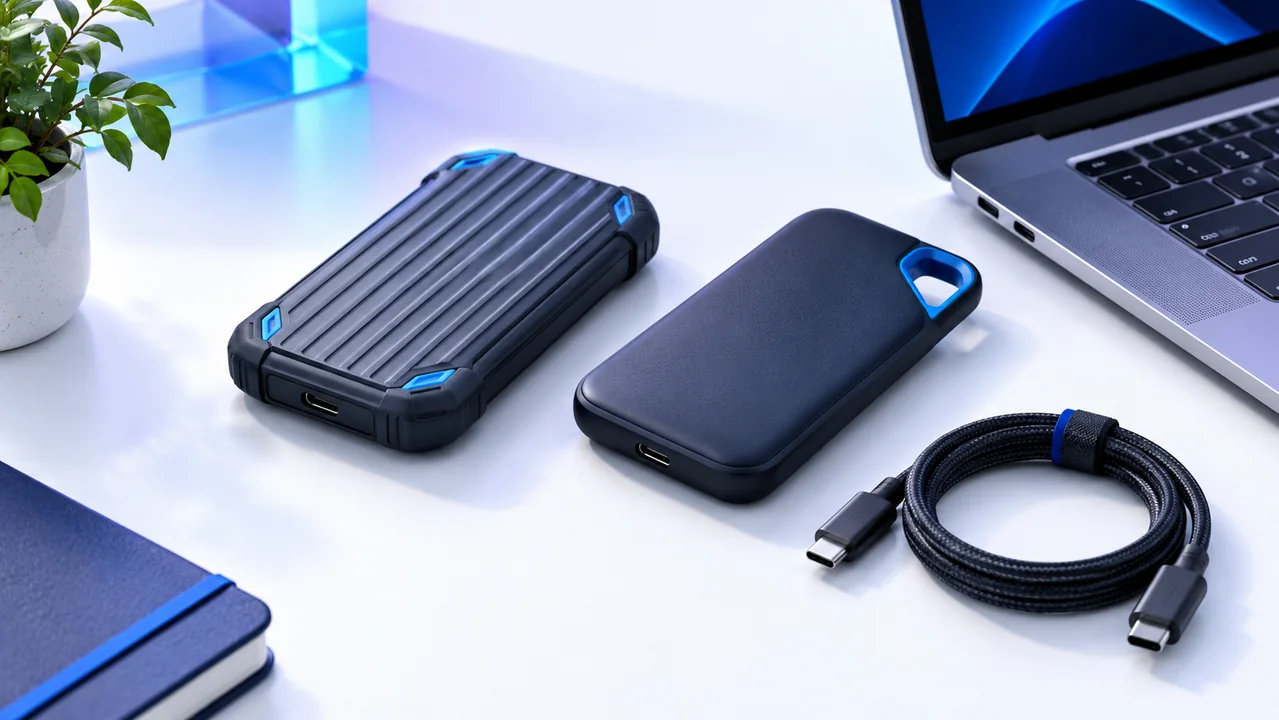
Portable SSD names can conceal important differences between generations and capacities. Samsung T7 Shield and SanDisk Extreme are recognizable options, but your laptop's port, cable and backup routine can matter as much as the drive. Start with the exact model number and a realistic description of the files you need to move.
The short answer
Compare the exact T7 Shield and SanDisk Extreme variants available from authorized sellers in your region. Choose for compatibility, capacity, warranty and a workable backup routine. Do not pay for a headline transfer rate your computer cannot use.
Compare the options
| Option | Good fit | Check before buying |
|---|---|---|
| Samsung T7 Shield | A rugged portable drive with documented specifications | Confirm stock, capacity and your host connection |
| SanDisk Extreme | A portable-drive family with multiple variants | Distinguish generation, model number and firmware |
What each option offers
Samsung T7 Shield
Samsung's T7 Shield documentation lists a USB 3.2 Gen 2 interface, advertised sequential read speeds up to 1,050 MB/s and an IP65 rating. Those are manufacturer specifications under stated conditions, not results from a TechVanta benchmark. See the official Samsung T7 Shield information.
Check the full model number, capacity and included cable before ordering. A USB-C connector alone does not establish the connection's speed. Your computer, cable and drive need to support the relevant transfer mode, and real workloads can differ from sequential benchmarks.
SanDisk Extreme
SanDisk sells external SSDs in several product families and generations. The linked Extreme USB 3.2 datasheet describes one variant; it should not be treated as the specification for every listing carrying the Extreme name. See the official SanDisk Extreme information.
Compare the seller's exact model code with the corresponding official support and specification pages. Check whether the manufacturer provides firmware guidance for that model. If two offers use different revisions, the cheaper one may not be a like-for-like comparison.
Check the bottleneck before paying for speed
Look up the data rate supported by the port you will use and check the cable specification. A compatible connector may still operate at a slower mode. Hubs and docks can introduce another limit, so test the route that will be part of your daily setup.
Consider your workload. Copying a few documents differs from moving large videos or using the drive as a working media disk. Capacity, sustained transfers and application compatibility can matter more than the largest number on a product box.
Treat ruggedness as limited protection
Read the conditions behind drop and water-resistance claims. A rating is not permission to expose the drive unnecessarily, and it does not promise protection against every accident. Check what the warranty covers rather than assuming it includes data recovery.
For travel, keep the connector protected and avoid unplugging the drive during writes. Store the drive and its cable in a way that reduces strain. Those everyday habits are worth planning alongside the purchase.
Build a backup routine around the drive
A portable SSD should not become the only copy of an important project. Keep another independent copy and verify that you can open or restore it. If you delete the laptop's copy to free space, you have moved the data rather than created an extra backup.
Test a representative transfer after purchase, check the available capacity and follow the manufacturer's setup guidance. Compare current warranty, stock and seller authenticity before choosing. Buy the drive that fits a reliable workflow instead of relying on a brand name alone.
Explore your shortlisted options
Compare the exact model codes, host compatibility and current warranty before choosing your portable SSD.
Read next
Logitech MX Master 4 vs Lift: productivity mouse or vertical mouse?
GenerateBlocks vs Elementor: which builder fits your WordPress site?
About this guide: Research-based editorial guidance; no hands-on benchmark or ranking is claimed. Official product information checked on 14 October 2026. Features, availability and terms can change. Featured image: AI-generated conceptual illustration.